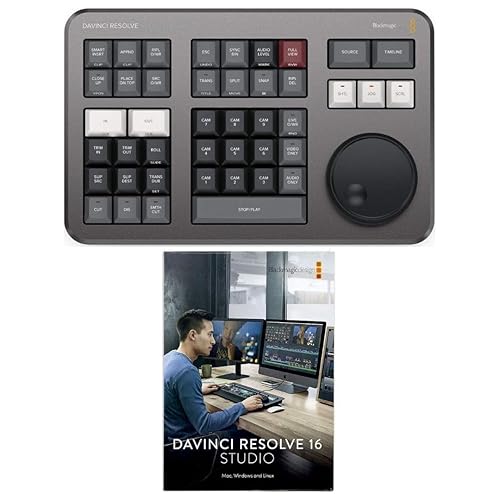
Review: DaVinci Resolve Studio
DaVinci Resolve is the most complete video editing software in our 2026 test — and the most extraordinary value proposition in creative software: a free version that professionals use for Hollywood productions, with Studio ($295 one-time) adding AI tools, noise reduction, and collaboration features.
Free vs. Studio
The free version of DaVinci Resolve includes: a full NLE (non-linear editor) with multi-cam support, the world’s best color grading tools, Fusion for VFX and motion graphics, and Fairlight for professional audio mixing. 95% of users will never hit the limits of the free version. Studio adds: Magic Mask AI, noise reduction, Film Look Creator, stereoscopic 3D, and real-time collaboration. If you’re just starting out, use the free version until you specifically need Studio features.
Color Grading
DaVinci Resolve’s color page is the industry reference — it’s the tool used by colorists on Dune, The Avengers, and virtually every major streaming production. The node-based color workflow is more powerful and more intuitive (for color-specific work) than Premiere Pro’s Lumetri or Final Cut’s Color Board. For serious colorists and cinematographers, there is no better tool.
Learning Curve
DaVinci Resolve’s learning curve is steeper than Filmora or CapCut, but shallower than people expect. The Cut page (simplified editing interface) allows beginners to complete basic edits without touching the full Edit or Color pages. YouTube tutorials from Blackmagic Design and the community are extensive and well-maintained.
Verdict
DaVinci Resolve is the answer to “what video editing software should I learn?” in 2026. Free, powerful, cross-platform, and the industry standard for color — there’s no stronger recommendation in this category.