Review: Apple Final Cut Pro
Apple Final Cut Pro is the best video editing software for Mac users in our 2026 test — $299 one-time payment with lifetime updates, Apple Silicon optimization that delivers the fastest export times of any editor, and a magnetic timeline that accelerates editing workflows. For Mac-exclusive creators, it’s the strongest value proposition.
Apple Silicon Performance
Final Cut Pro’s Metal and Neural Engine optimization on Apple Silicon (M1, M2, M3, M4) is unmatched. In our 4K export test (10 minutes, ProRes HQ → H.264), Final Cut Pro on MacBook Pro M4 completed in 3:45 minutes — faster than DaVinci Resolve on the same hardware (5:20 min) and Adobe Premiere Pro (8:10 min). For creators who export frequently, this time savings compounds significantly.
Magnetic Timeline
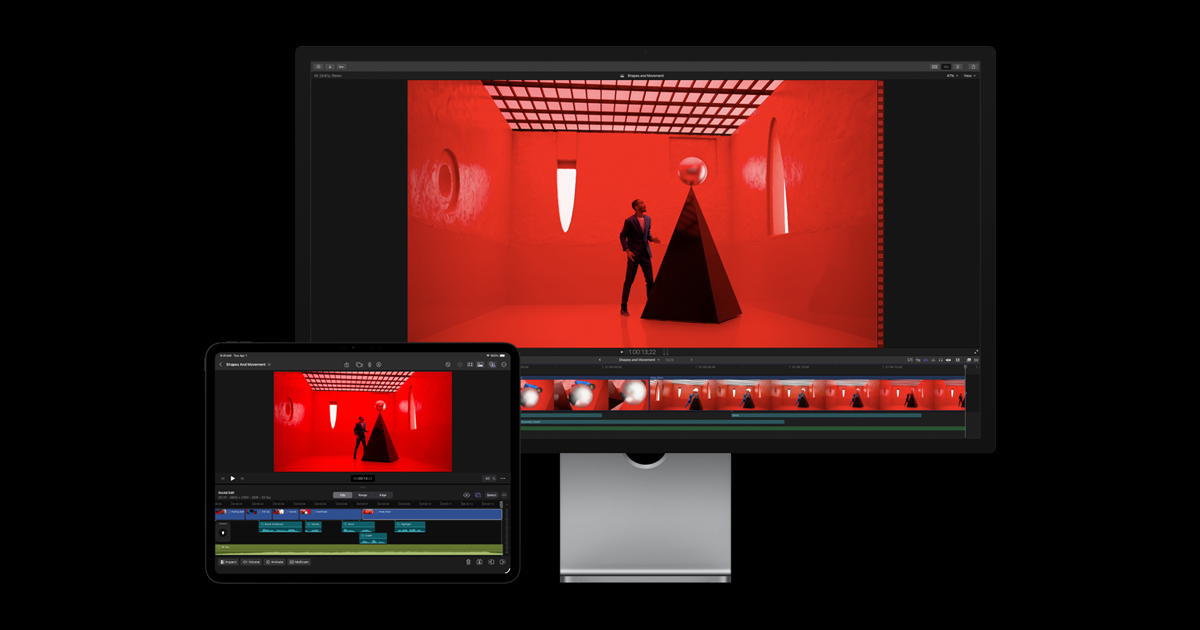
Final Cut Pro’s Magnetic Timeline is its most distinctive feature — clips automatically ripple and fill gaps when you move or delete footage. The result: a significantly faster rough cut workflow compared to Premiere Pro or DaVinci Resolve’s traditional track-based editing. Once adapted, editors consistently report faster assembly editing in Final Cut than any competing editor.
$299 vs. $54.99/Month
Over three years, Final Cut Pro ($299) costs 75% less than Adobe Premiere Pro ($1,979). Over five years, the savings exceed $2,000. Apple has consistently delivered free updates including ProRes RAW support, Object Tracker, Cinematic Mode editing, and Spatial Video. The one-time model is financially superior for individuals.
Verdict
Final Cut Pro is the obvious choice for Mac users who want the fastest editor with the best value proposition. For collaborative teams or those needing After Effects integration, Adobe Premiere Pro is necessary.